The best COI tracking software depends on how many vendors or tenants you manage and who will review their insurance. An operations team chasing renewal dates has a different problem from a property portfolio checking hundreds of leases, limits, and endorsements.
I have used all nine tools in this guide. My main conclusion is that the review model matters more than the feature list: decide whether your team needs a tracker, AI-assisted insurance review, or a service that also handles vendor follow-up.
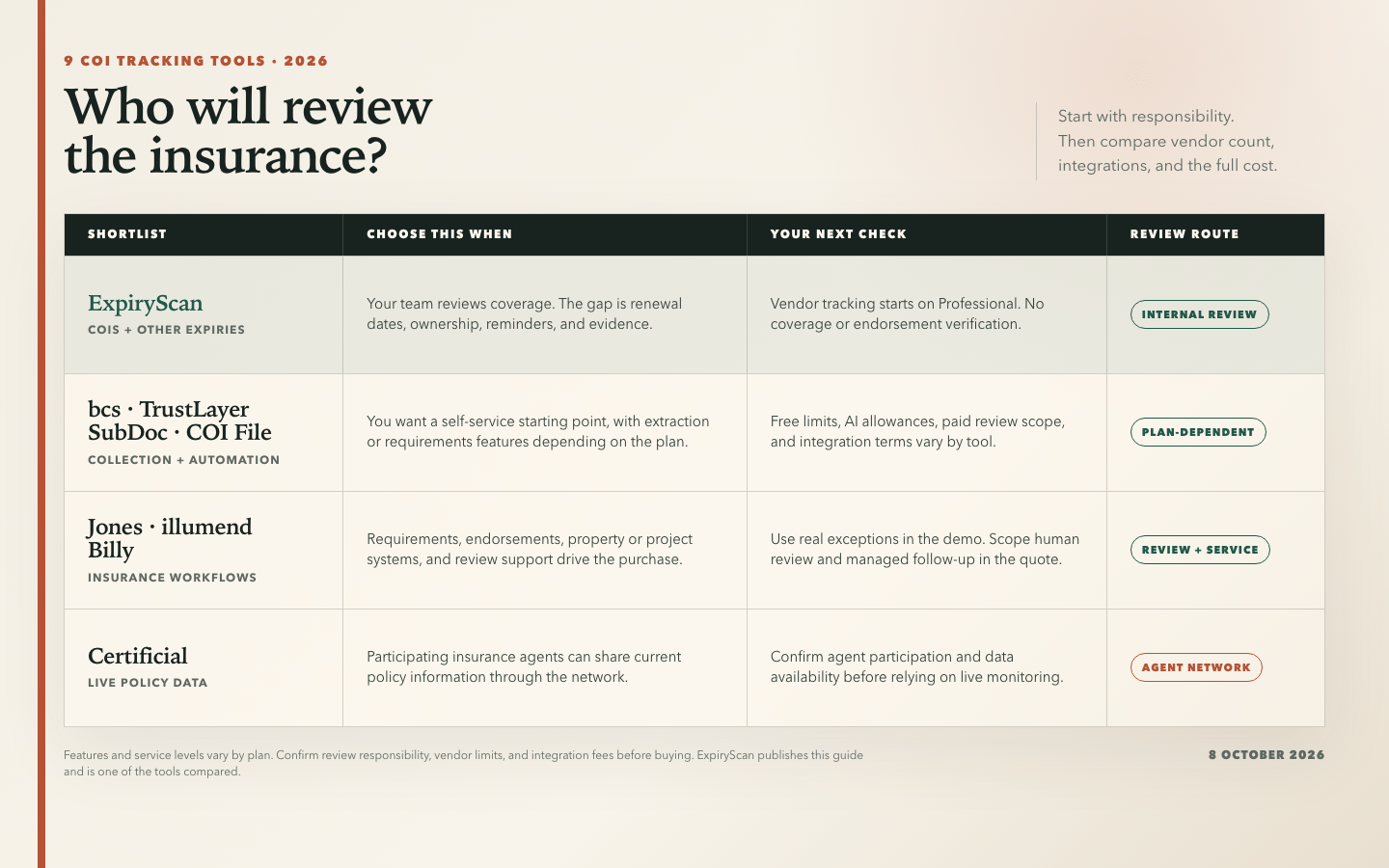
ExpiryScan fits when COIs belong alongside licences, permits, and staff documents. For dedicated insurance review, I would shortlist bcs, TrustLayer, Jones, illumend, or Billy according to the systems and service level required. Certificial takes a different approach through live policy data.
For the underlying workflow, read our COI tracking software guide. Disclosure: I write for ExpiryScan, which sells one of the products below. The recommendations include situations where a dedicated insurance platform is the better choice.
My Quick Verdict
- Best for COIs alongside other expiring records: ExpiryScan
- Best for per-vendor budgeting: bcs
- Best free starting point for up to 50 vendors: TrustLayer Starter
- Best for tenant COI tracking across property portfolios: Jones
- Best for an endorsement-focused AI review shortlist: illumend, from myCOI
- Best for monitoring changes through live policy data: Certificial
- Best for construction teams using Procore: Billy
- Best low-cost option with subcontractor payment workflows: SubDoc
- Best for straightforward monthly vendor tiers: COI File
What I Looked for in COI Tracking Software
The Review Model
Reading dates from a certificate and checking insurance against a contract are separate jobs. I look for a clear answer to who checks limits, additional insured requirements, endorsements, and exceptions. An uploaded document should not silently become an approved document.
Self-service software leaves that decision with your team. AI-assisted platforms flag gaps against configured requirements. Managed services add people, but the contract still needs to say which reviews and follow-ups they own.
The Vendor Upload Experience
An upload link helps, but the whole exchange matters: who receives the request, whether a broker can respond, how a deficiency is explained, and what happens after a replacement arrives. I favour a workflow that makes the next action obvious to both sides.
Integrations With the Systems You Already Use
Yardi and MRI matter for property teams; Procore matters for construction. I would test the data flow rather than accept an integration logo. Check whether records, requirements, and compliance status move both ways, and which plan includes the connection.
The Real Price
Compare vendor limits, tracked items, billing commitments, onboarding, integrations, and review services. At bcs's self-service rate, 500 vendors would be $475 a month before quote adjustments. A managed service's annual minimum can matter more than its unit price.
How It Holds Up at 500 or More Vendors
At that size, I want filters by property or project, batch follow-up, clear exceptions, usable exports, and access controls. An unlimited vendor allowance says little about the review queue. ExpiryScan's plans stop at 300 employees or vendors, so I would discuss capacity before including it in a 500-vendor shortlist.
How I Compared These Tools
I separate the tools by the work they take on. ExpiryScan is an expiry tracker. COI File and SubDoc offer self-service collection with extraction and review features. bcs and TrustLayer have free starting points and deeper paid workflows. Jones, illumend, and Billy put more emphasis on insurance review, integrations, or service. Certificial centres on policy information shared through its network.
These groups overlap. bcs calls its software tier Self-Service even though it includes AI certificate review. Jones Platform includes human-verified review before the Operator concierge is added.
Prices are in US dollars as of 8 October 2026. G2 and Capterra ratings include small samples and reviews of older versions, so use them alongside a trial of the features your team needs.
Summary: 9 COI Tracking Tools at a Glance
| Tool | Best for | Review model | Starting price | My take |
|---|---|---|---|---|
| ExpiryScan | COIs plus other expiries | Your team reviews coverage | Starter $29/month; vendor tracking from Professional at $49/month | Useful when ownership and renewal evidence are the main gap |
| bcs | Per-vendor budgeting | Self-service with AI; managed tier available | Free for 25 vendors; $0.95/vendor/month paid | Check the service minimum and integration terms |
| TrustLayer | Starting free before scaling | Starter tracking; paid AI requirements workflows | Free for 50 vendors; paid plans by quote | Evaluate paid review separately from free collection |
| Jones | Property portfolios | AI-assisted, human-verified; concierge add-on | Quote per record per year | A strong fit for lease requirements and integrations |
| illumend | Endorsement-focused review | AI with human escalation | Quote required | Test with your own endorsement requirements |
| Certificial | Live policy monitoring | Policy-data network and requirement checks | Free for 5 suppliers; paid from $99/month | Most interesting with participating agents |
| Billy | Procore construction teams | Software-only or managed services | Quote required | A focused construction shortlist candidate |
| SubDoc | Contractors with AP workflows | Self-service with AI checks | Free for 3 vendors; Pro $20/month | Check extraction and message allowances |
| COI File | Monthly vendor tiers | Self-service with AI-assisted extraction | $39/month for 10 vendors | Clear pricing; confirm integration needs early |
1. ExpiryScan – Best for COIs Alongside Other Expiring Records
Best for: Operations teams tracking insurance renewals alongside licences, permits, certifications, and employee documents.
My take: I would choose ExpiryScan when the missing piece is a shared renewal workflow with an owner and current evidence.
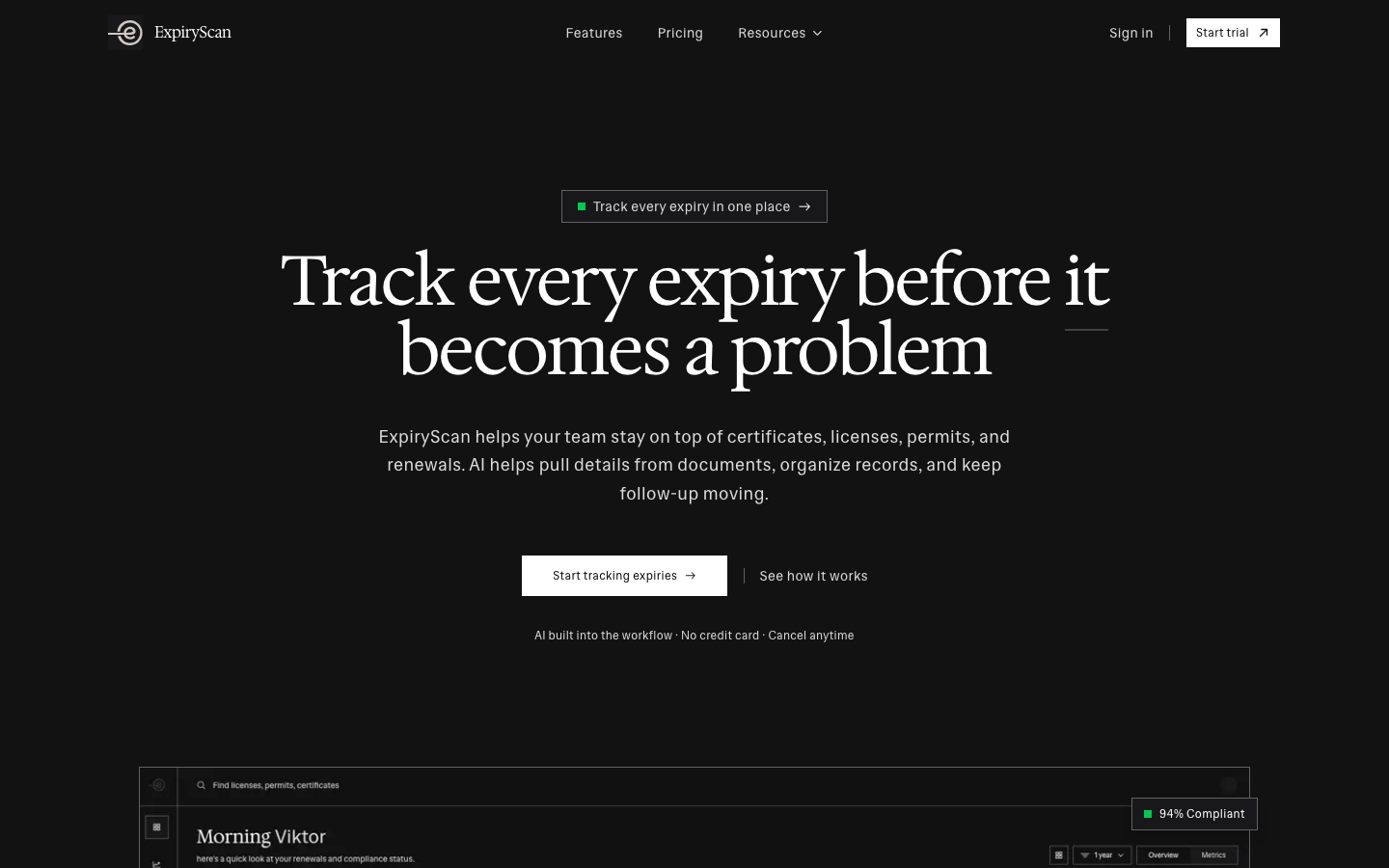
My Experience With ExpiryScan
The part I value is the connection between the file and the next action. A COI needs a date, an owner, reminders, and evidence that the replacement arrived. That same structure works for a contractor's licence or an employee's certificate.
Keeping those records together makes sense for a team otherwise maintaining separate registers. The COI tracking workflow explains that model.
ExpiryScan tracks dates, owners, reminders, and evidence. It does not verify coverage or interpret endorsements. Your broker, risk team, or other qualified reviewer still owns those decisions.
What I Like
- Documents, dates, owners, and renewal notes stay together.
- Email and SMS support follow-up.
- COIs share a register with other expiring business records.
- Clear plan limits make capacity and subscription costs easy to compare.
Where It Falls Short
- It does not replace an insurance review service.
- There is no permanent free plan.
- Vendor tracking is listed on Professional and higher plans.
- Plan capacity tops out at 300 employees or vendors.
ExpiryScan Pricing
The pricing page lists:
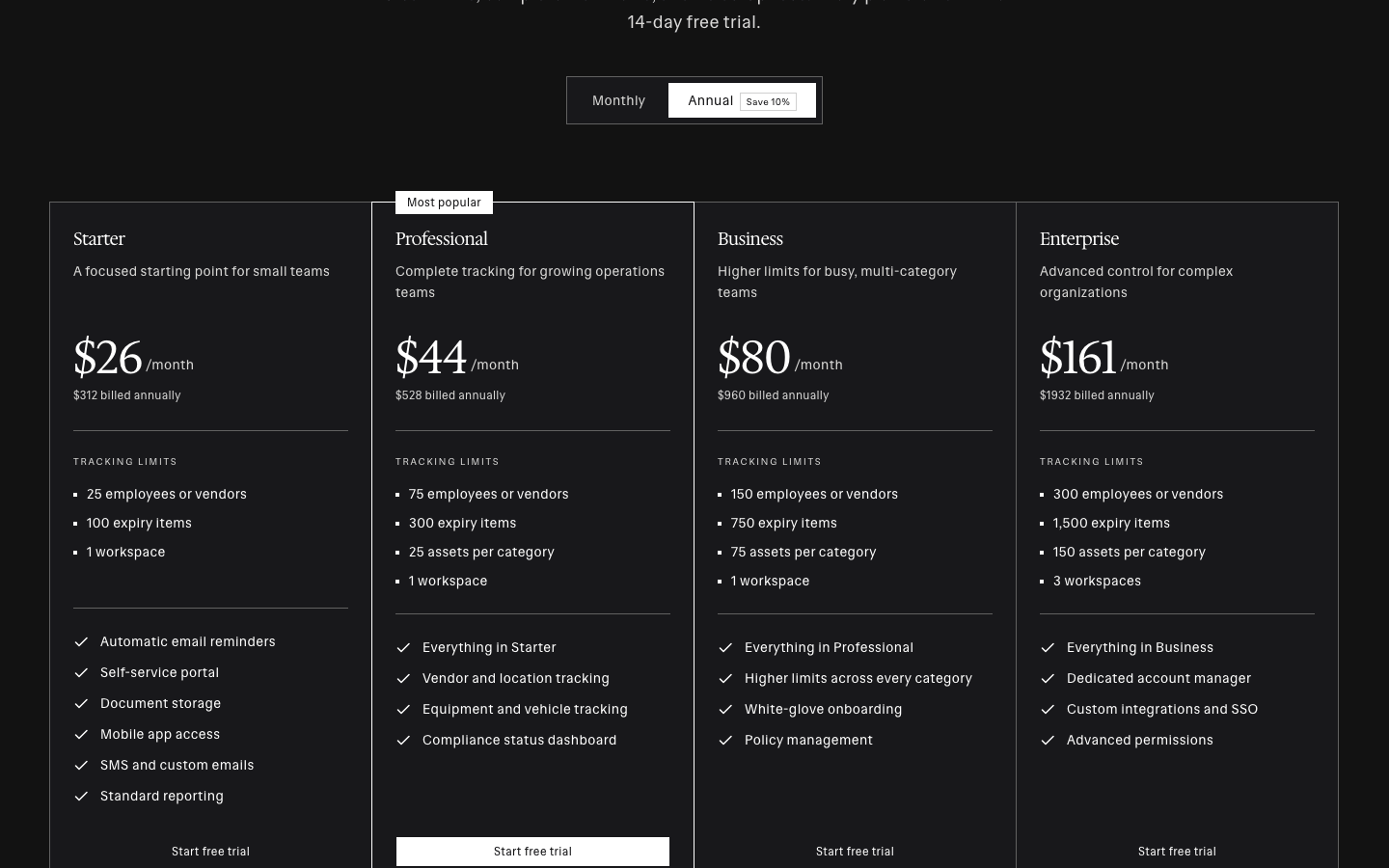
- Starter: $29/month, or $26/month billed annually ($312/year); 25 employees or vendors and 100 expiry items. The feature matrix lists vendor tracking on Professional and above.
- Professional: $49/month, or $44/month billed annually ($528/year); 75 employees or vendors and 300 expiry items, with vendor and location tracking.
- Business: $89/month, or $80/month billed annually ($960/year); 150 employees or vendors and 750 expiry items.
- Enterprise: $179/month, or $161/month billed annually ($1,932/year); 300 employees or vendors, 1,500 expiry items, and three workspaces.
All plans offer a 14-day trial. Prices exclude tax. For a vendor COI register, budget from Professional rather than the Starter headline.
2. bcs – Best for Per-Vendor Budgeting
Best for: Teams budgeting by active vendor count and choosing between internal administration and managed review.
My take: bcs is one of the easier dedicated platforms to cost before a sales call. The service minimum needs as much attention as the unit price.
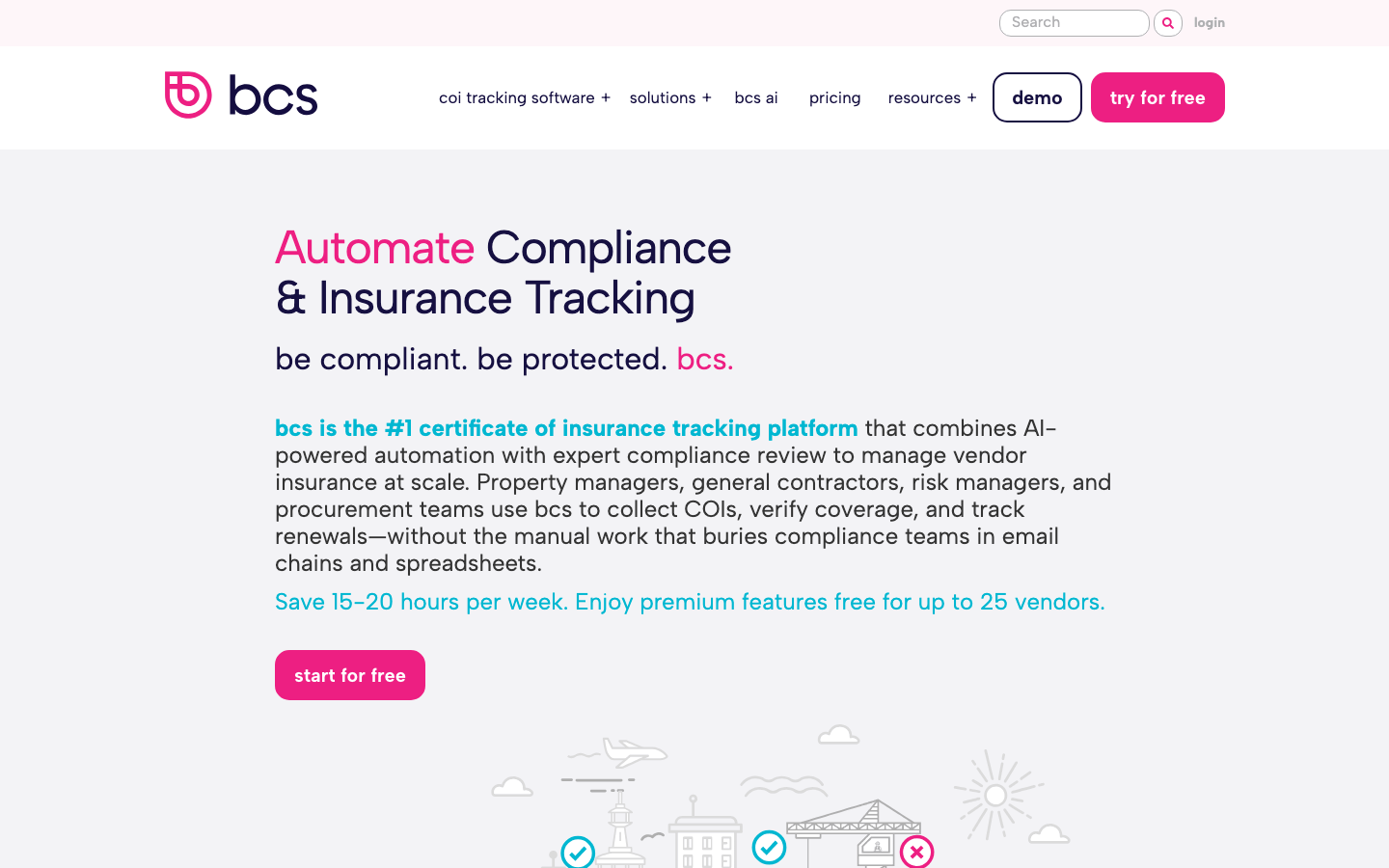
My Experience With bcs
The useful distinction for me is who runs the programme. Self-Service supplies collection, AI extraction, deficiency notices, and renewal automation. Full-Service adds analysts and vendor outreach.
bcs calls its extraction tool RiskBot and supports vendor submissions without a bcs login. That combination is appealing when repeated collection and data entry are the bottleneck. I would still test disputed wording: extraction does not remove the need to resolve exceptions.
What I Like
- A permanent free option for 25 vendors.
- Per-vendor prices for software and managed services.
- AI extraction plus requests and deficiency notices.
- Yardi, MRI, and Procore connections listed for Self-Service.
Where It Falls Short
- Full-Service has a $10,000 annual minimum.
- Self-Service needs an exception owner.
- Reviews raise questions about messaging flexibility and onboarding.
- Integration-fee wording is inconsistent; confirm the contract terms.
bcs Pricing
The plans page lists:
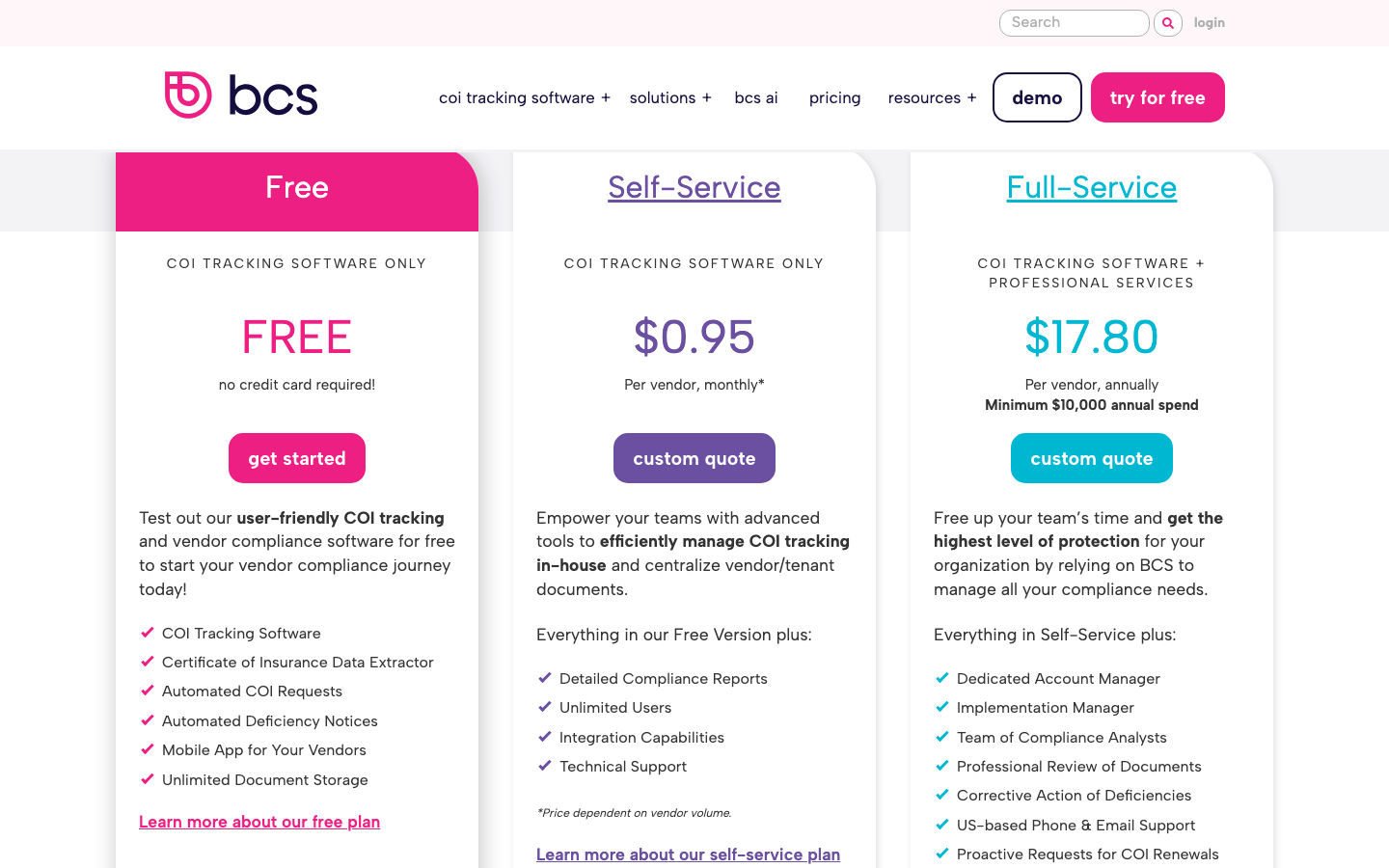
- Free: $0 for up to 25 vendors; no card and no time limit.
- Self-Service: $0.95/vendor/month, also expressed as $11.40/vendor/year; the rate depends on volume.
- Full-Service: from $17.80/vendor/year, with a $10,000 annual minimum; professional review and corrective follow-up included.
The plan description says integrations are included, while the FAQ also mentions $2/vendor annually. Get the scope and fees in writing.
bcs Reviews
- G2: 4.4 out of 5 stars (18+ reviews).
Overall sentiment: Reviewers value centralised records, faster extraction, and automated requests. Complaints include messaging controls, reporting detail, and uneven setup support. With fewer than 20 reviews, I would use those themes to design a trial rather than infer a broad consensus.
3. TrustLayer – Best Free Starting Point for Up to 50 Vendors
Best for: Teams establishing collection and expiry tracking before buying a larger risk-management workflow.
My take: Starter is an attractive entry point. I would evaluate paid requirements checking as a separate decision.
My Experience With TrustLayer
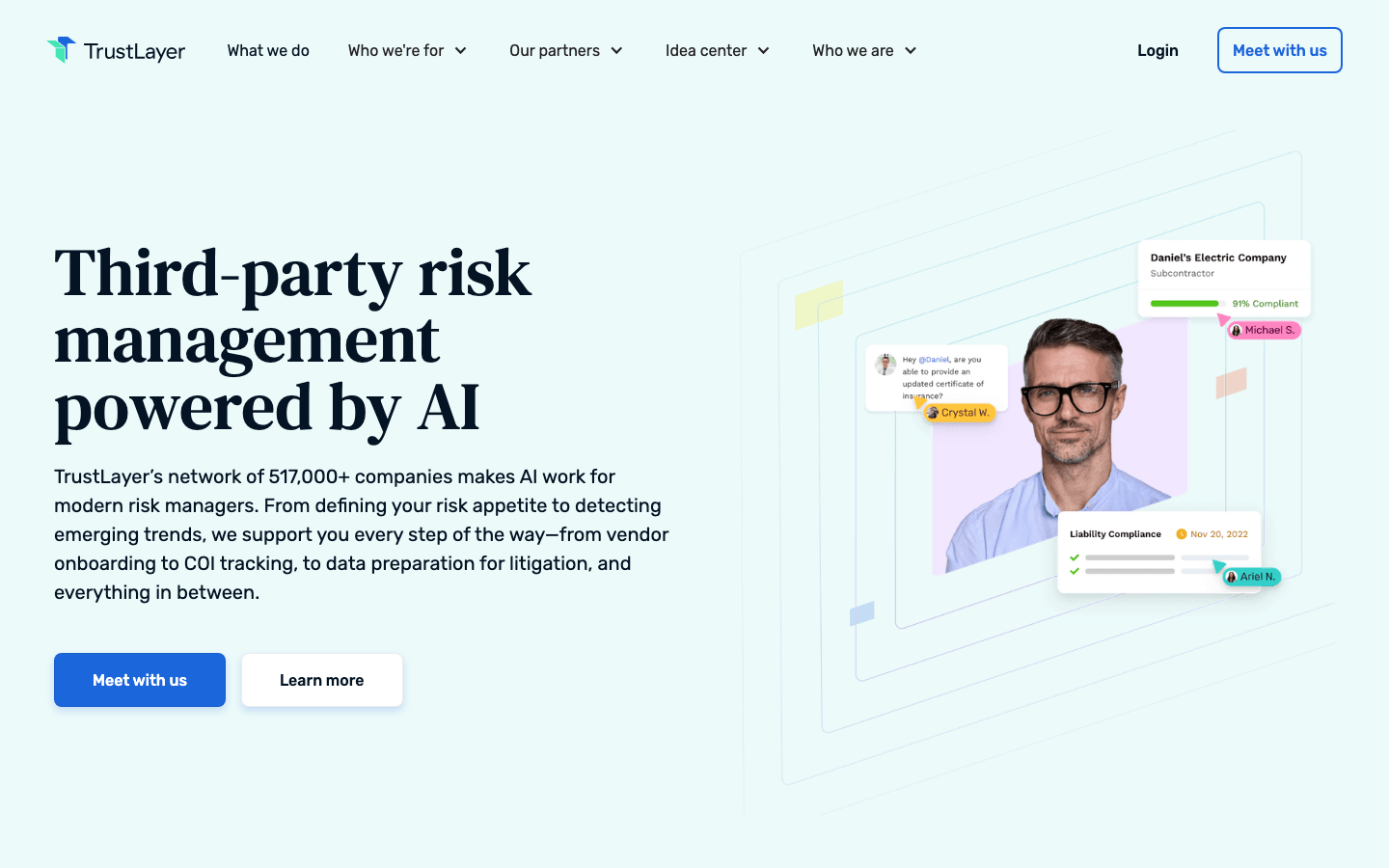
I see TrustLayer as a way to bring requests, records, and compliance conversations together. The free plan is useful for establishing that routine with a small vendor list.
The distinction I pay attention to is collection versus assessment. Starter lists AI collection and classification; Pro adds AI Smart Requirements and construction-system integrations. For a larger team, I would test exceptions, reporting, and organisation-level controls before deciding the workflow can scale.
What I Like
- Free Starter covers up to 50 vendors.
- Messaging, renewals, and reporting share a workflow.
- Pro adds W-9 extraction and AI requirements features.
- Paid integrations include Procore, CMiC, and Vista Viewpoint.
Where It Falls Short
- Pro and Complete require a quote.
- Starter does not include the full paid review workflow.
- Multi-organisation changes deserve an early demo test.
- Some reviews flag manual checks or reporting issues.
TrustLayer Pricing
The plans page lists:
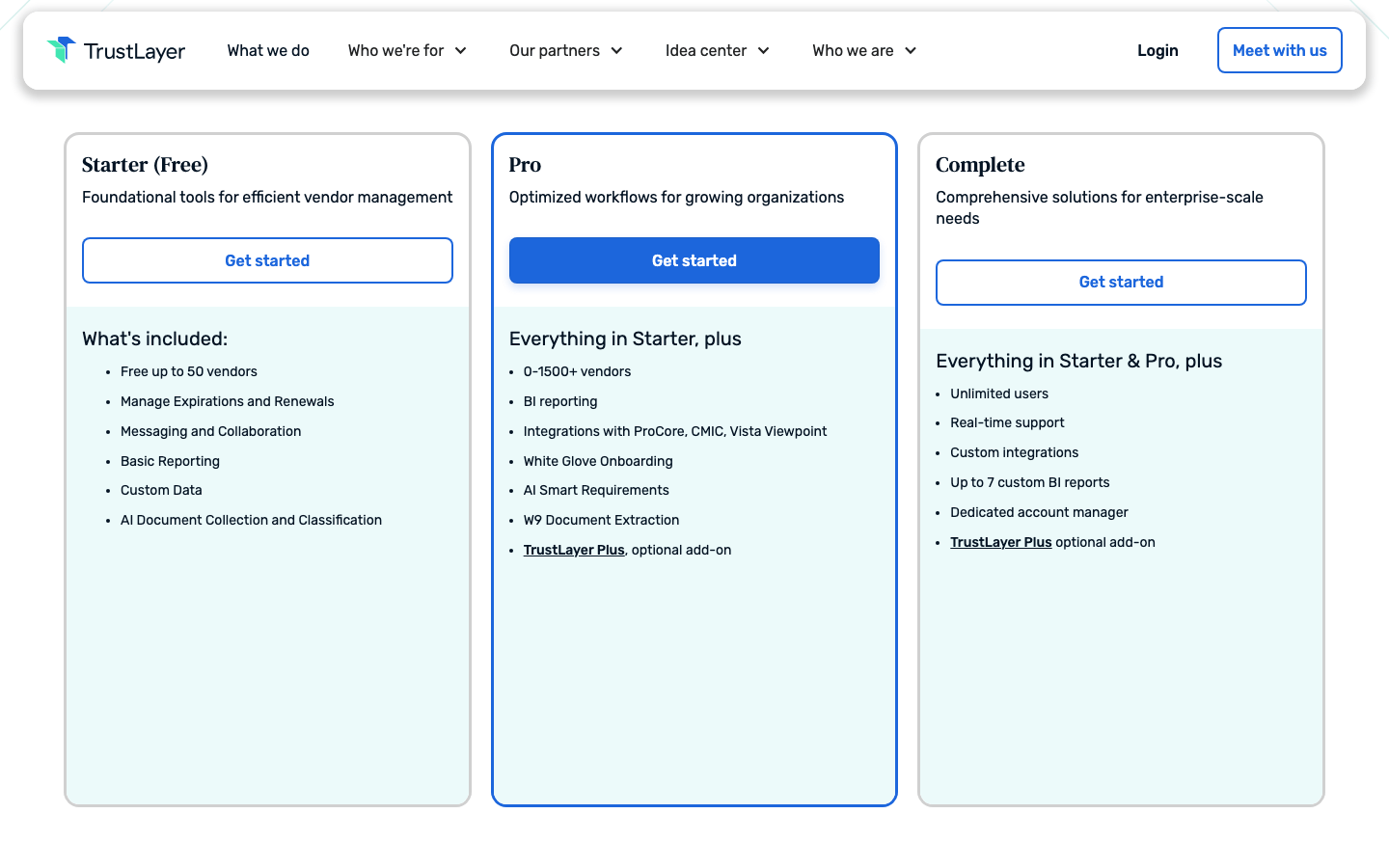
- Starter: free for 50 vendors; expiry management, messaging, basic reporting, and document classification.
- Pro: quote required; BI reporting, integrations, onboarding, W-9 extraction, and AI Smart Requirements.
- Complete: quote required; unlimited users, custom integrations, an account manager, and up to seven custom BI reports.
- TrustLayer Plus: optional paid-plan add-on; confirm scope and price.
TrustLayer Reviews
- G2: 4.8 out of 5 stars (15+ reviews).
- Capterra: 5.0 out of 5 stars (2+ reviews).
Overall sentiment: Support, ease of learning, and automated follow-up receive repeated praise. Report accuracy and controls across organisations are questions to test. Capterra's two-review sample carries little weight on its own.
4. Jones – Best for Tenant COI Tracking Across Property Portfolios
Best for: Property and construction teams with requirements that vary by lease, property, or project.
My take: I would shortlist Jones when interpreting requirements and keeping portfolio systems aligned are the difficult parts.
My Experience With Jones
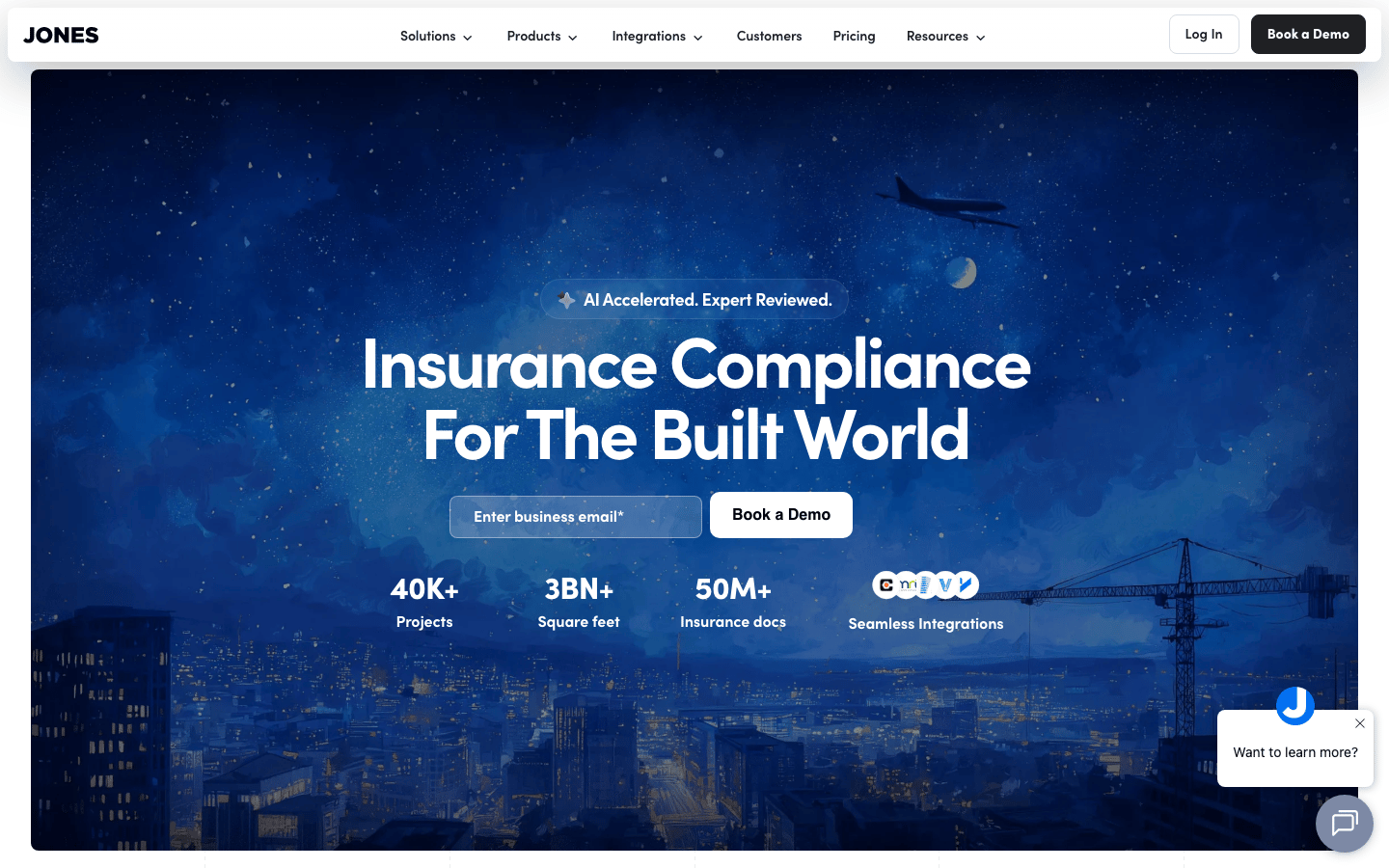
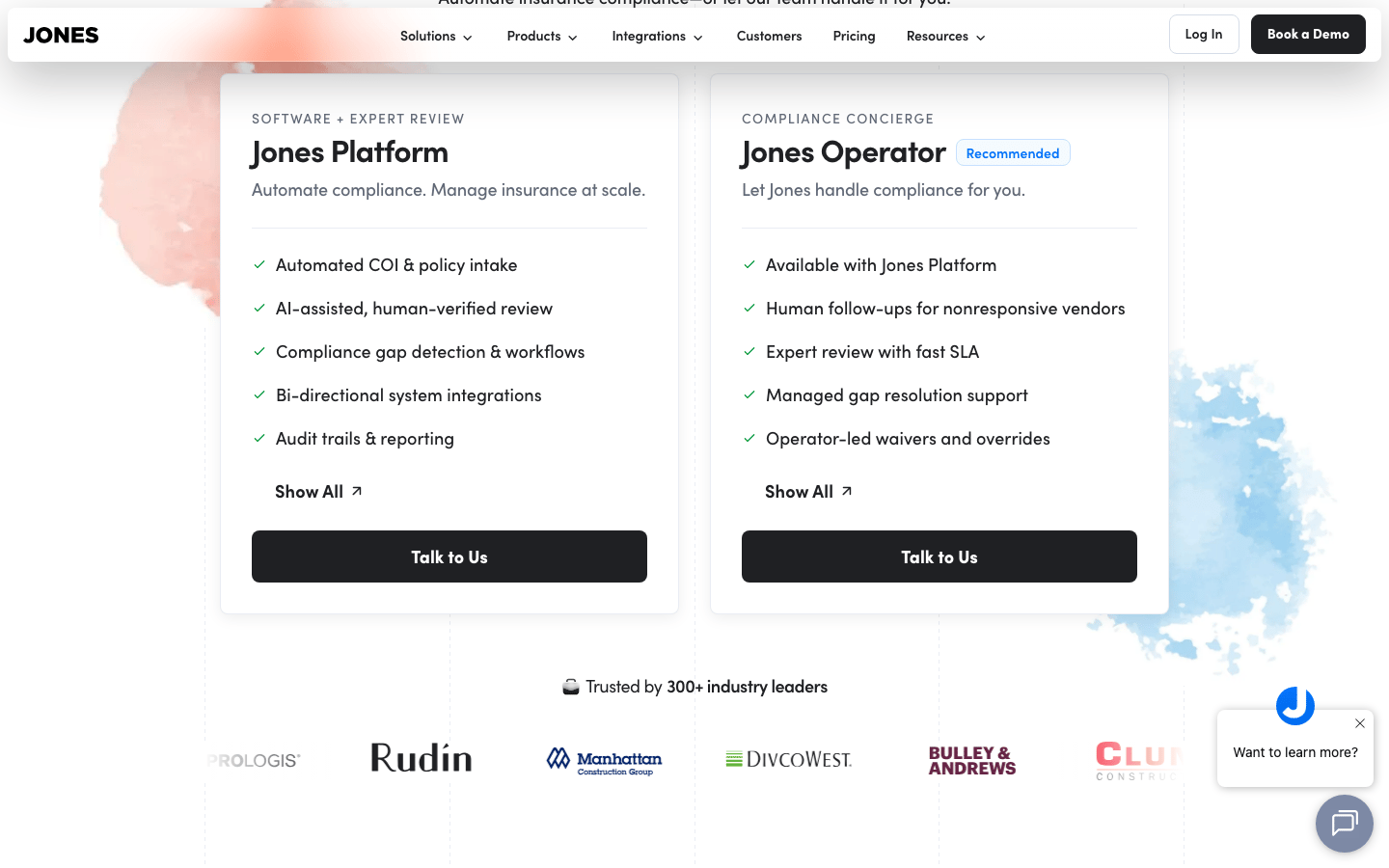
The distinction that matters to me is that Jones treats the insurance requirement as part of the record. It combines AI-assisted review with human verification; the property workflow includes lease extraction and tenant records.
Platform leaves your team running the programme. Operator adds concierge follow-up and resolution work. Buying reviewed certificates and buying relief from chasing tenants are different decisions. I would ask a demo to show both against the same deficient submission.
What I Like
- Human verification accompanies AI-assisted review.
- Tenant workflows account for lease requirements.
- Yardi Voyager, MRI, Procore, and construction ERPs are listed.
- Operator offers managed outreach as a separate option.
Where It Falls Short
- Pricing requires a tailored quote.
- Integrations and enterprise modules need a scoped quote.
- Tenant adoption still matters.
Jones Pricing
The pricing page describes:
- Jones Platform: custom quote for software with expert-verified review.
- Jones Operator: concierge add-on to Platform, by quote.
- Policy Review and enterprise modules: confirm scope and cost separately.
Billing is per record per year, with unlimited COIs and lease extractions for that record and no submission fee for vendors. Ask how one vendor working across several properties is counted.
Jones Reviews
- G2: 4.9 out of 5 stars (6+ reviews).
Overall sentiment: The small sample praises organised records, support, and help improving the compliance process. Notification friction for agents and tenant adoption also appear. I would treat these as implementation questions, not predictions for every portfolio.
5. illumend – Best for an Endorsement-Focused AI Review Shortlist
Best for: Risk teams checking certificates and endorsements against insurance requirements.
My take: I would shortlist illumend when endorsement review is the bottleneck and test it with the requirements and exceptions my team handles.
My Experience With illumend and myCOI
My experience with myCOI informs how I assess the workflow: collection, review, exceptions, and communication need to work together. A team handing off review also needs a way to challenge a decision.
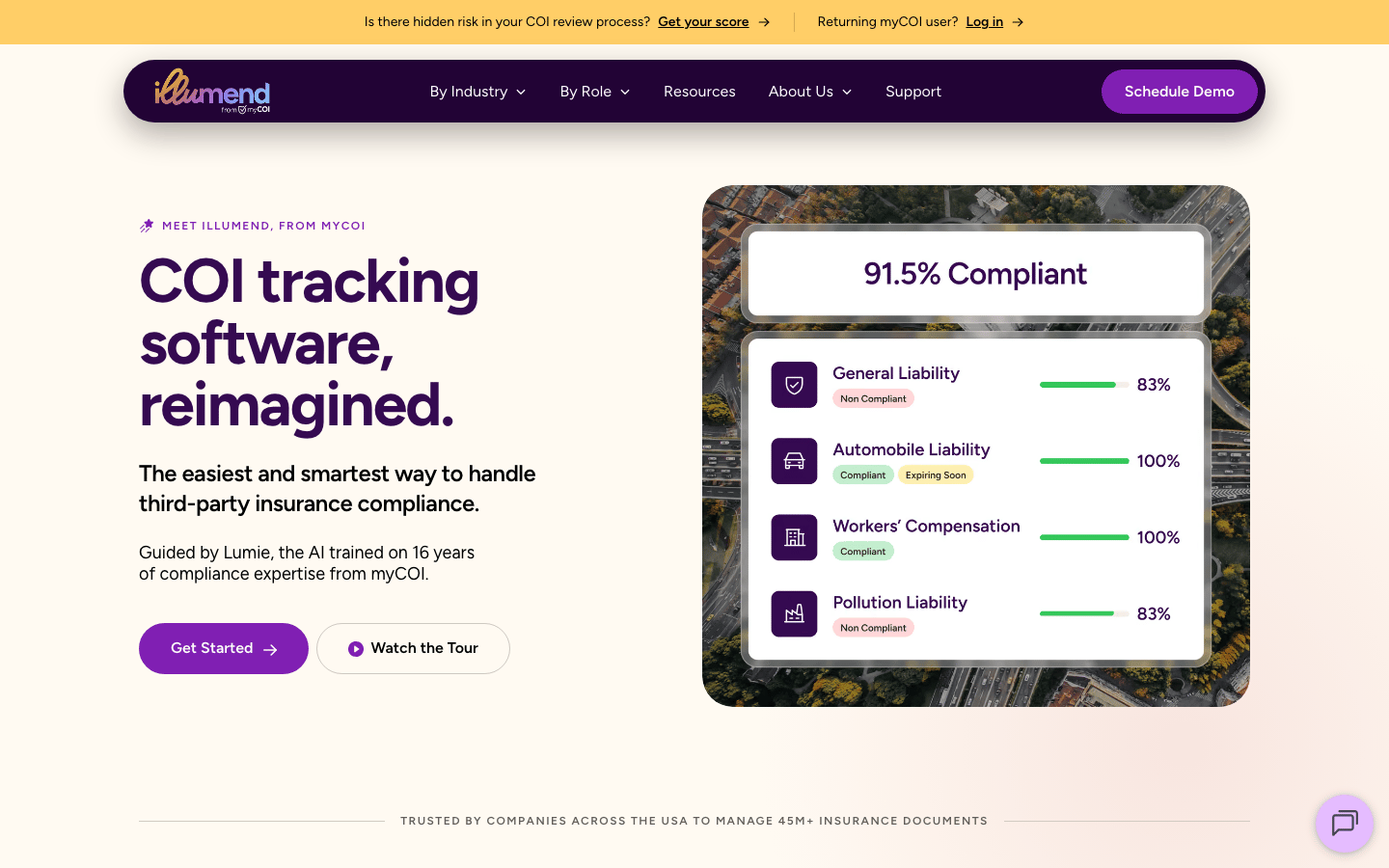
illumend is the AI platform from myCOI. Lumie is designed to read endorsements, including additional insured, waiver of subrogation, and primary and non-contributory requirements, with humans handling edge cases. I would bring difficult endorsements to the demo and check how a disputed result reaches a reviewer.
What I Like
- Endorsement review is part of the workflow.
- Requirements checks extend beyond expiry dates.
- Human escalation is available for edge cases.
- Collection, renewals, and gap resolution share a workflow.
Where It Falls Short
- Pricing requires a tailored quote.
- Current AI accuracy needs testing with your requirements.
- Turnaround, filtering, and bulk retrieval need demo checks.
illumend Pricing
- Platform: quote required.
- Human or managed support: confirm included scope, service levels, and additional cost in the proposal.
Request a demo and quote covering your insurance requirements and review workload.
illumend and myCOI Reviews
- G2, listed as myCOI: 4.6 out of 5 stars (38+ reviews).
- Capterra, now listed as illumend: 4.7 out of 5 stars (47+ reviews).
Overall sentiment: Legacy reviews repeatedly praise responsive support and relief from collection and review work. Complaints include setup complexity, document retrieval, and review delays. Much of this evidence concerns earlier myCOI software and services, not Lumie's current review accuracy.
6. Certificial – Best for Monitoring Live Policy Data
Best for: Teams wanting updates from participating agents rather than relying entirely on replacement PDFs.
My take: Certificial changes the information source. Agent participation is central to whether its monitoring approach will work for you.
My Experience With Certificial
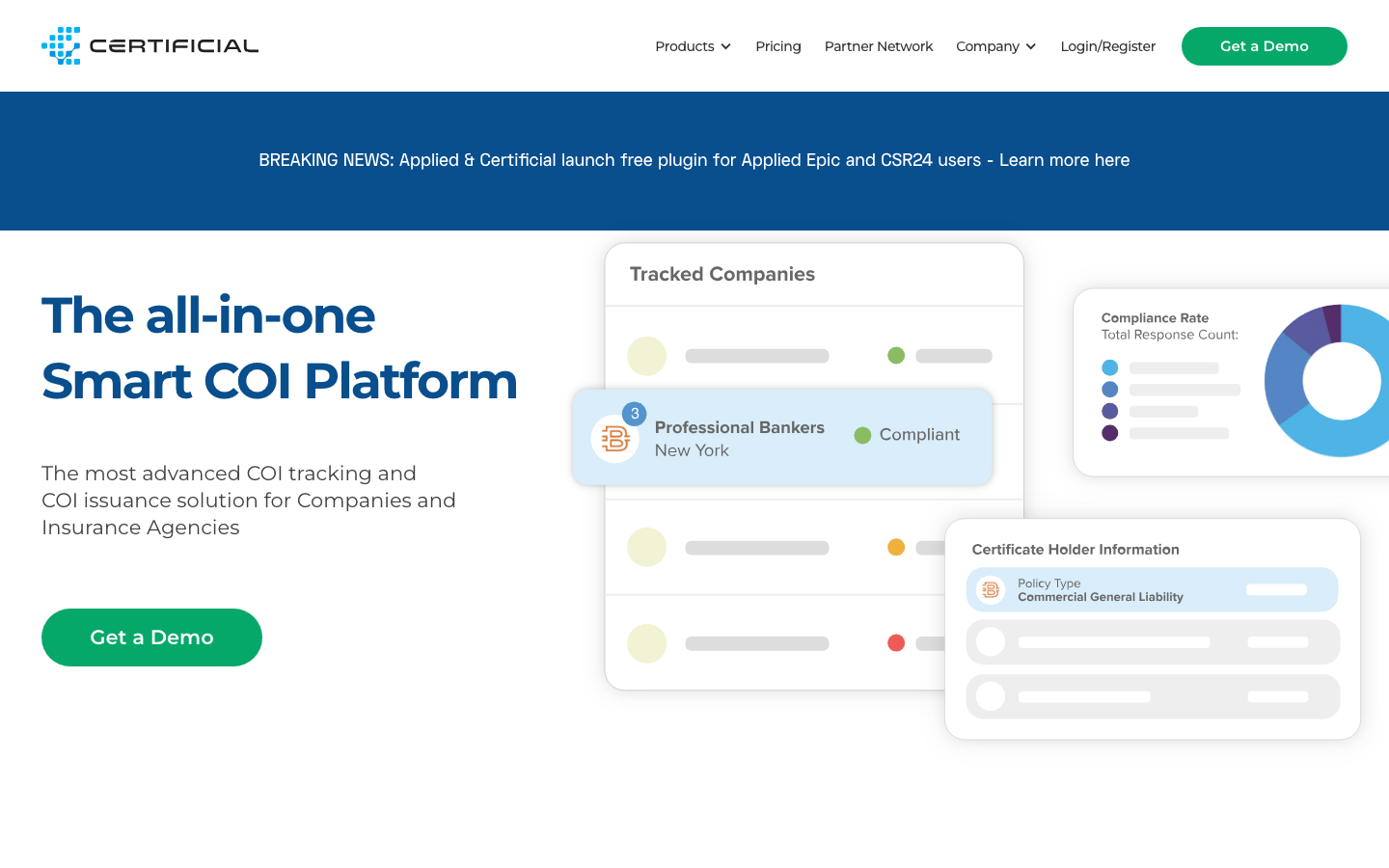
What I find useful about Certificial is the distinction between a certificate snapshot and information updated through the agent network. Smart COIs are designed to reflect policy changes and support ongoing monitoring.
I would first check whether the agents representing important suppliers can participate. A live-data model offers less value if most records still depend on manually supplied documents. Requirements and exceptions still need an owner.
What I Like
- Policy-change monitoring goes beyond expiry reminders.
- Smart COIs connect to participating agents.
- Basic is free for five suppliers.
- Professional starts at $99/month.
Where It Falls Short
- Value depends on participation and available policy data.
- A live record still needs requirements and review ownership.
- Professional's starting price is not a portfolio quote.
Certificial Pricing
The pricing page lists:
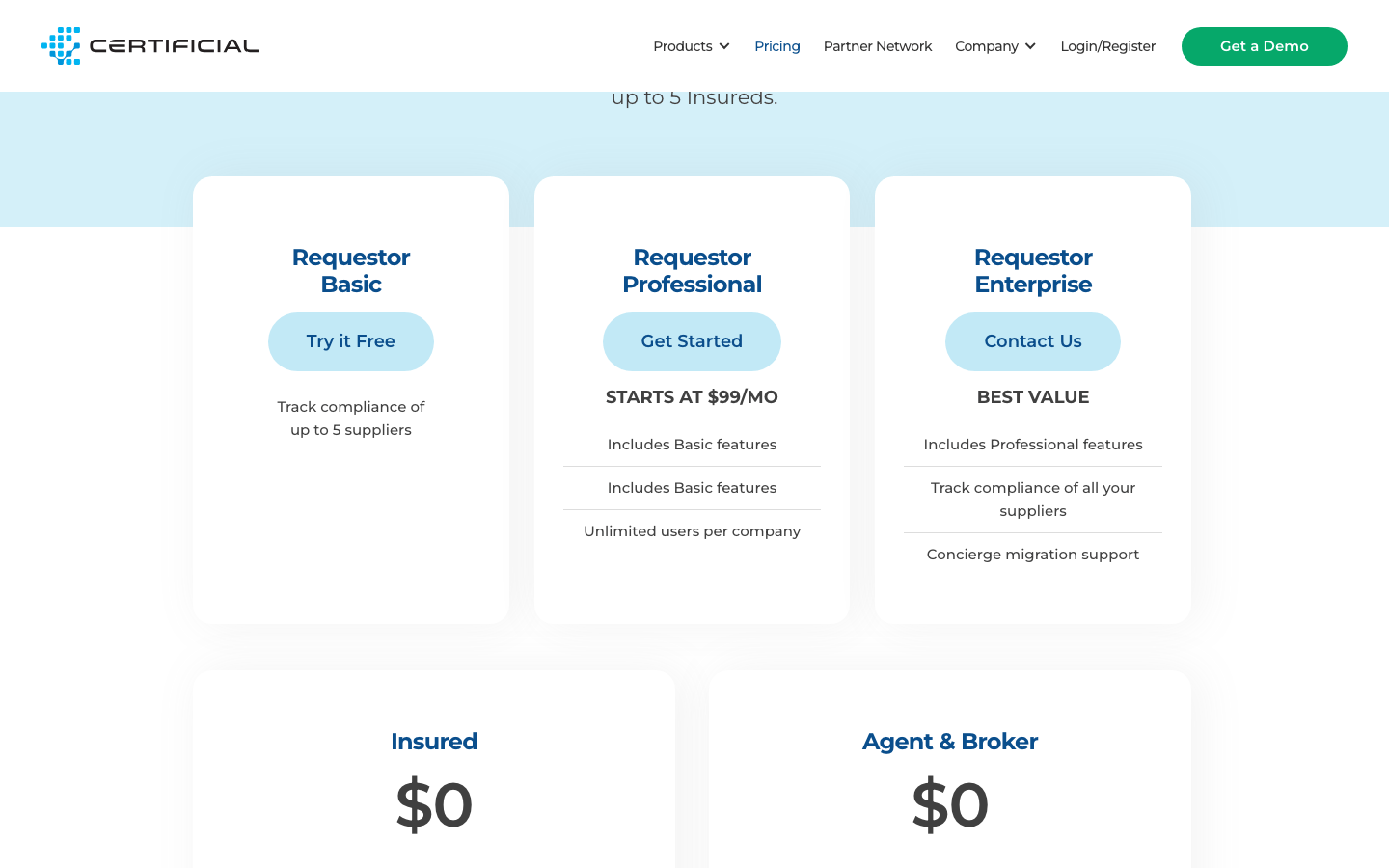
- Requestor Basic: free for up to five suppliers.
- Requestor Professional: from $99/month, with unlimited users per company.
- Requestor Enterprise: custom quote, including concierge migration support.
- Insured, agent, and broker accounts: free for their issuing and sharing workflows.
Free issuing accounts are different from a requestor's supplier allowance. Confirm Professional capacity and billing terms.
Certificial Reviews
- G2: 4.8 out of 5 stars (2+ reviews).
Overall sentiment: Both reviewers describe easier issuing or tracking; one wants deeper agency management-system integration. This is a directional agent-side sample, not a market consensus or proof of the requestor experience.
7. Billy – Best for Construction Teams Using Procore
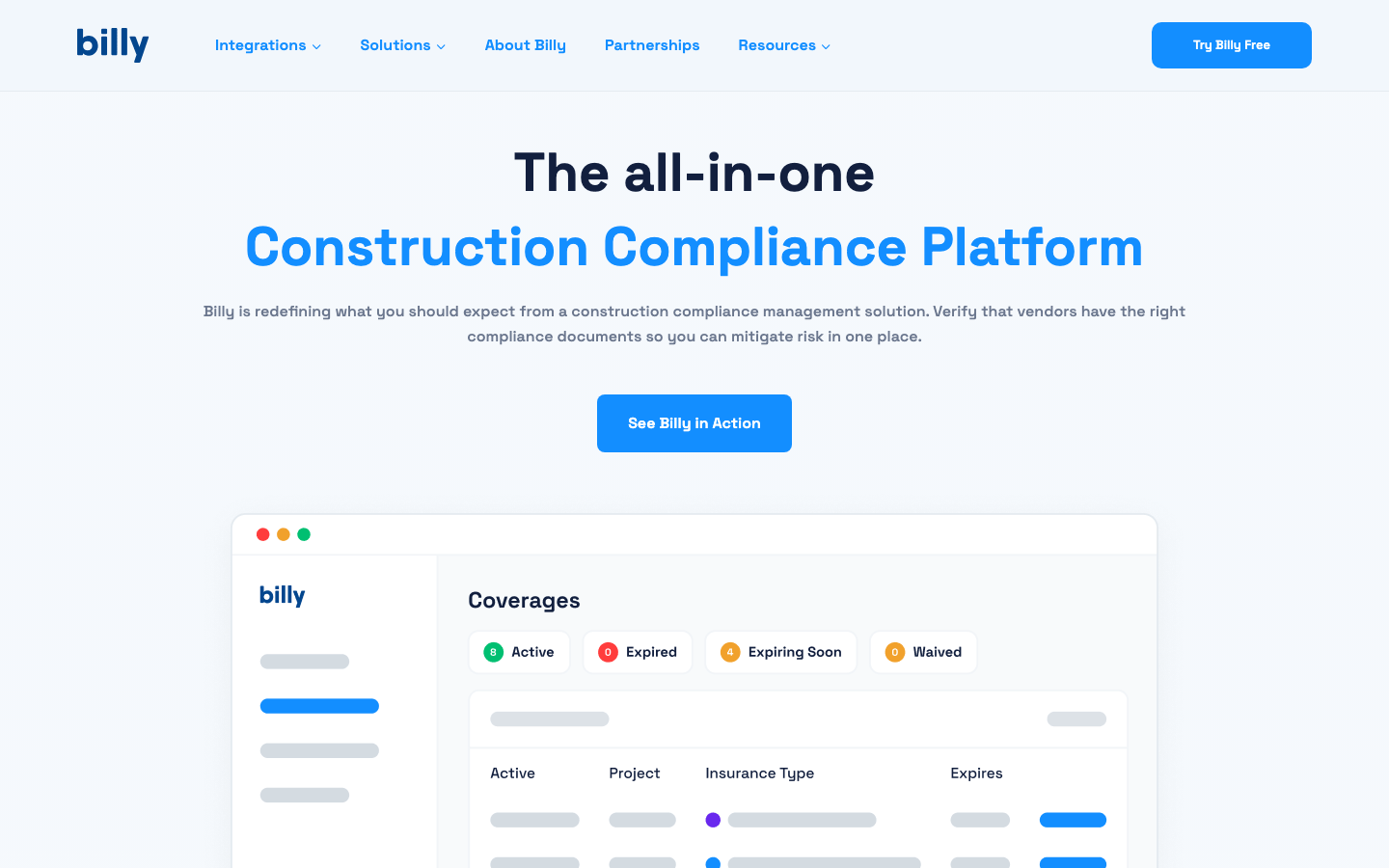
Best for: General contractors collecting subcontractor COIs and other construction compliance documents.
My take: Billy belongs on a Procore team's shortlist because the connection to project records can matter more than another dashboard.
My Experience With Billy
The construction focus is what I value in Billy. COIs sit beside W-9s, licences, and subcontractor requirements; vendors or brokers upload without a login.
Its Procore integration transfers project and vendor data into Billy. I would check the path from a missing endorsement to an accepted replacement. Software-only and managed services also need separate evaluation: the scope determines who follows up and who resolves the gap.
What I Like
- A contractor and subcontractor focus.
- No vendor login for submissions.
- Procore project and vendor data integration.
- Software-only and managed-service options.
Where It Falls Short
- Pricing requires a tailored quote.
- Mixed employee expiry records may suit a broader tracker.
- Reporting and repetitive requirements appear in older reviews.
- “Try Billy Free” leads to a demo request; confirm trial terms.
Billy Pricing
- Software-only: personalised quote.
- Managed services: personalised quote based on scope and scale.
Billy offers tailored pricing. Ask for a quote covering implementation, integrations, review scope, and service levels.
Billy Reviews
- Capterra: 4.7 out of 5 stars (30+ reviews).
Overall sentiment: Support, easy uploads, and centralised records receive repeated praise. Reporting flexibility and repetitive requirements are complaints. Several reviews date from 2023, and vendor replies describe later changes; test current reporting and notification settings rather than assume those gaps persist.
8. SubDoc – Best Low-Cost Option With Subcontractor Payment Workflows
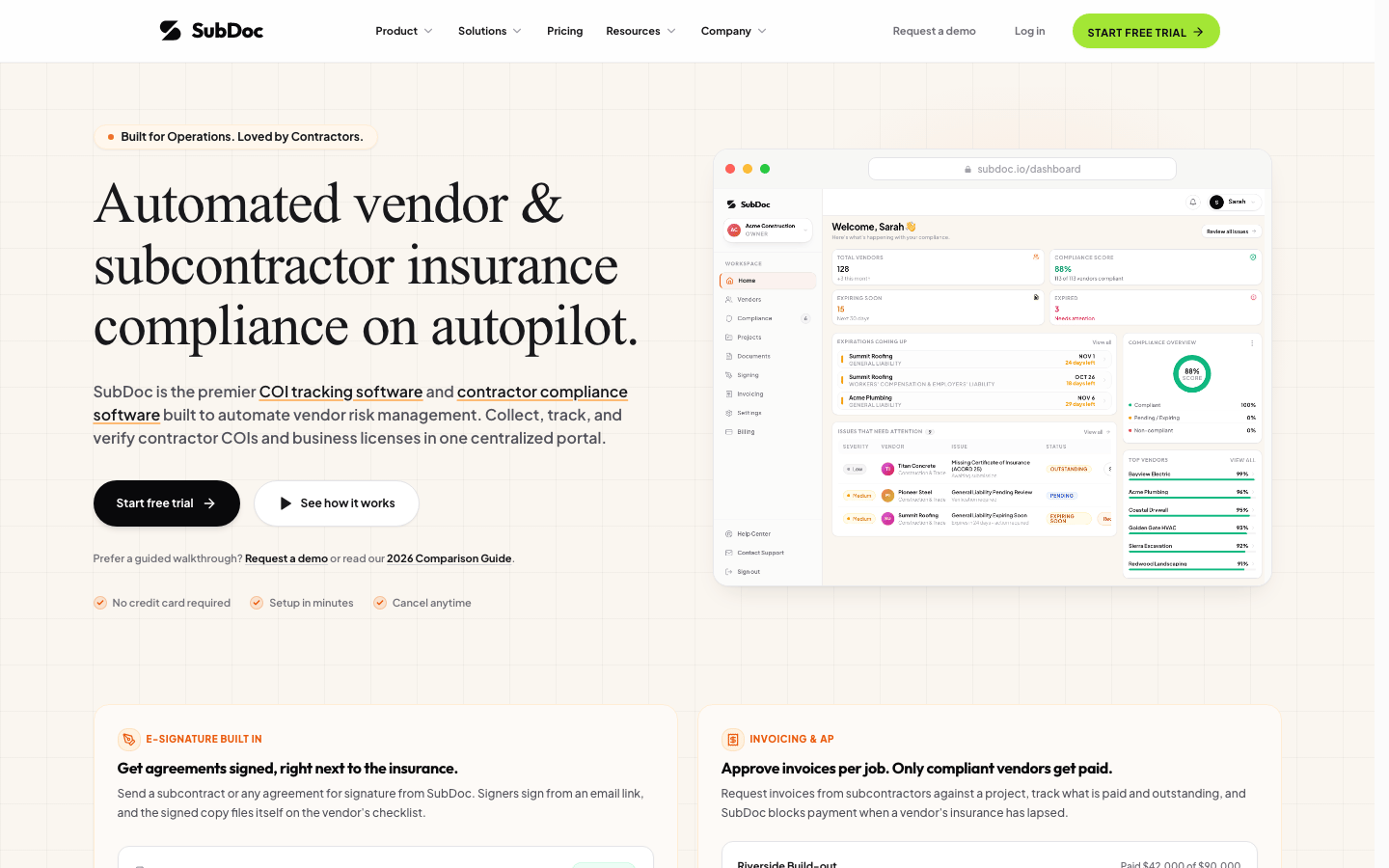
Best for: Small contractors connecting COI collection to invoice approval and payment holds.
My take: The paid entry price is appealing, but extraction, email, and signing allowances matter alongside vendor capacity.
My Experience With SubDoc
The combination I find interesting in SubDoc is compliance beside accounts payable work. Paid plans combine ACORD 25 and 28 extraction, endorsement checks, e-signature, and non-compliant payment holds.
That suits a contractor whose team collects paperwork and handles invoices. I would test hold, release, and override permissions carefully. A compliance flag needs a decision owner before it affects a payment.
What I Like
- A permanent free plan for three vendors.
- Pro covers 100 vendors at a low monthly price.
- Upload links do not require vendor logins.
- Paid plans connect document checks with invoices and signing.
Where It Falls Short
- Free OCR and signing allowances are trial allowances.
- Paid plans retain extraction, storage, and email limits.
- Introductory offers need renewal-term checks.
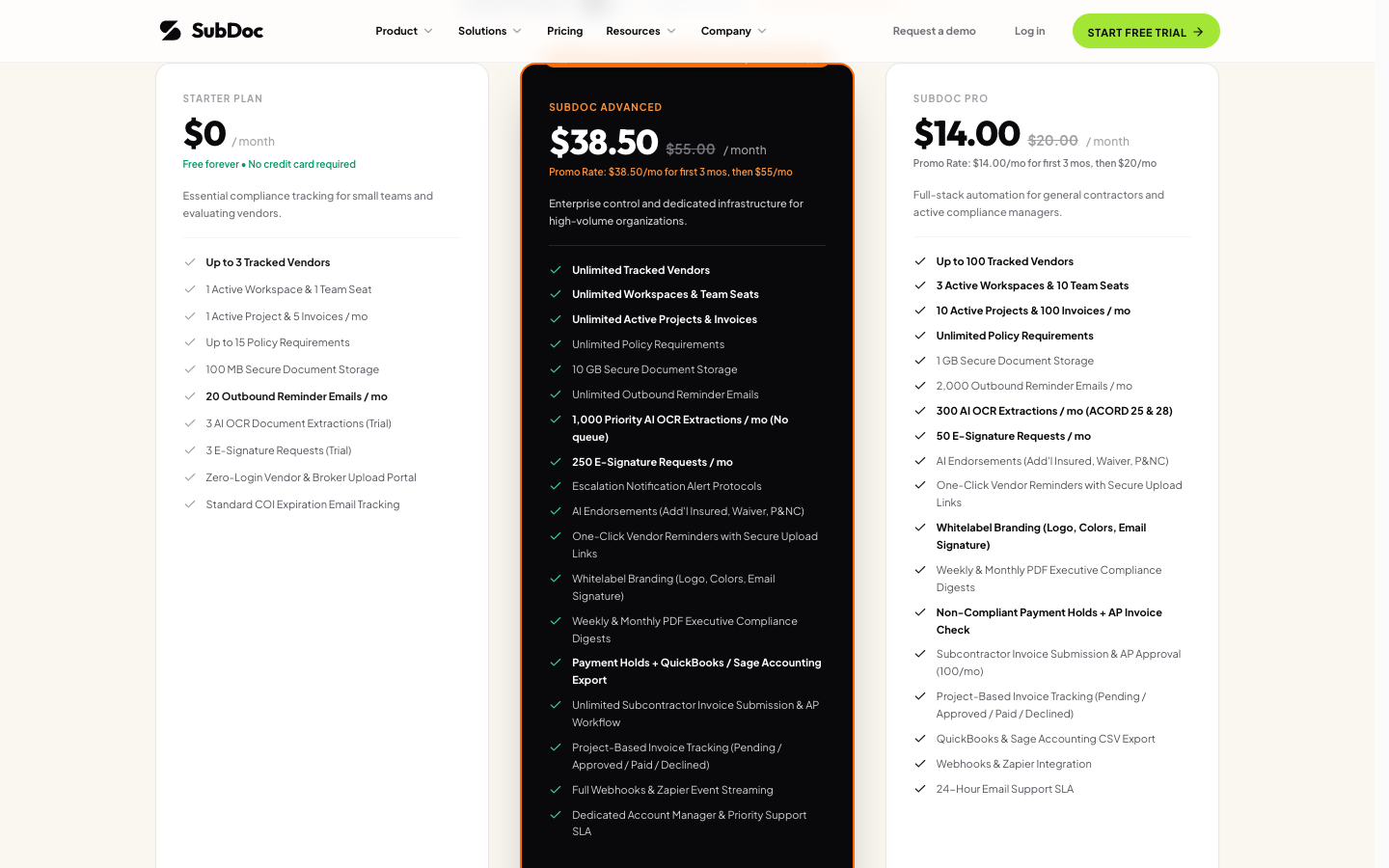
SubDoc Pricing
The pricing page lists:
- Starter: free for three vendors, one workspace, one seat, and 20 outbound reminder emails/month; three OCR extractions and three signature requests are trial allowances.
- Pro: standard $20/month for 100 vendors, with 300 OCR extractions and 2,000 reminder emails/month; introductory annual price of $96/year.
- Advanced: standard $55/month for unlimited vendors, with 1,000 OCR extractions/month and unlimited reminder emails; introductory annual price of $264/year.
Paid plans include a 14-day trial. Introductory monthly pricing is $14 for Pro and $38.50 for Advanced for the first three months, then $20 and $55 respectively. The annual prices are a launch offer; confirm the renewal price before choosing annual billing.
9. COI File – Best for Straightforward Monthly Vendor Tiers
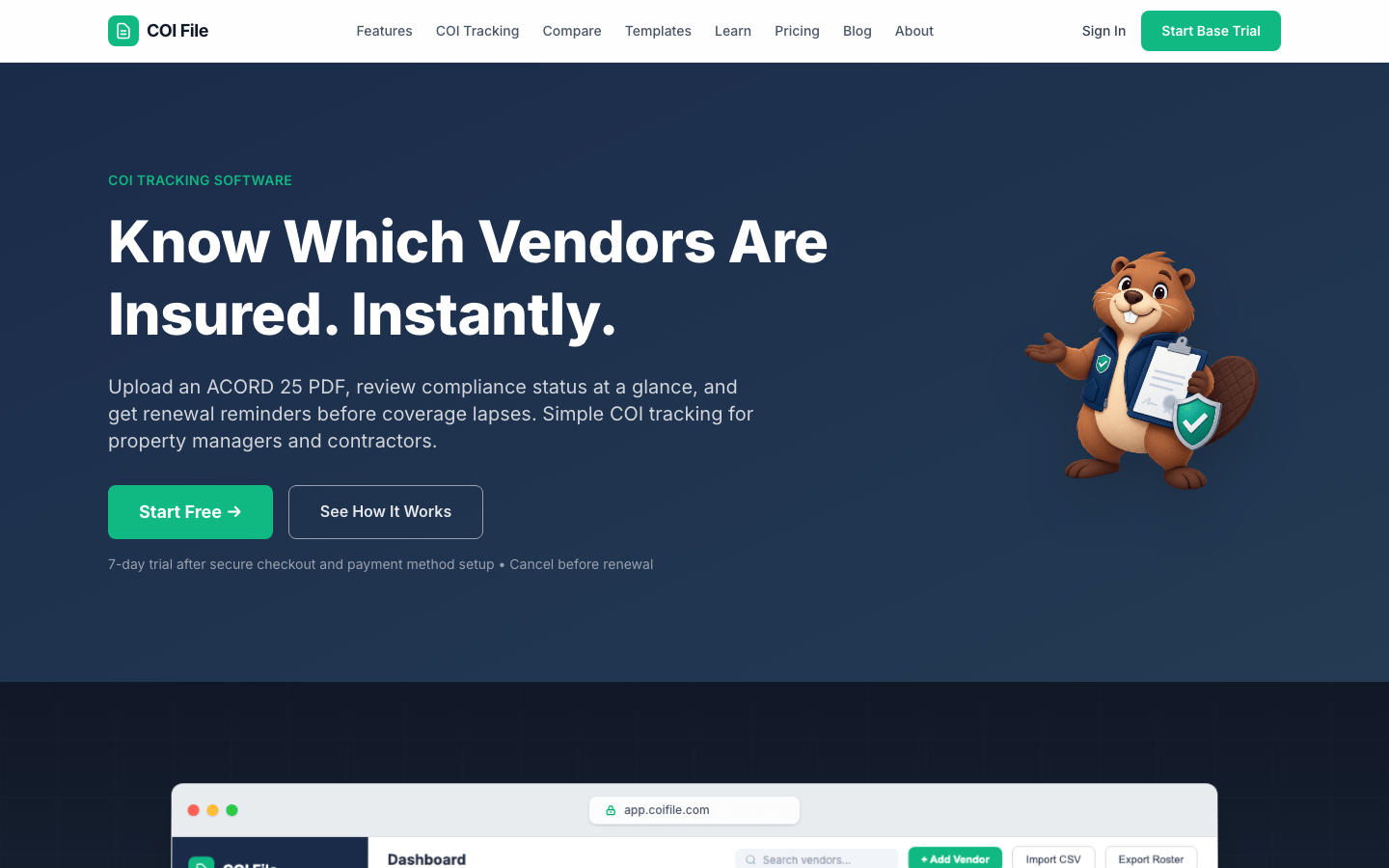
Best for: Property managers and contractors wanting collection, renewal emails, and a visible monthly bill.
My take: COI File is easy to shortlist on price. Establish integration needs before choosing it for a larger portfolio.
My Experience With COI File
The appeal for me is a compact workflow: magic-link uploads, ACORD 25 fields surfaced for review, and renewal emails at 30, 14, and seven days. COI File adds property or project tags and CSV import/export on Growth.
That is a practical starting point when leaving spreadsheets. I would test separate policy dates and property-specific requirements rather than treat one uploaded certificate as a complete compliance decision.
What I Like
- Visible monthly prices tied to vendor capacity.
- Magic-link submissions.
- Follow-up at three stated intervals.
- CSV import and property tags on Growth and above.
Where It Falls Short
- There is no permanent free plan.
- A card is required for the seven-day trial.
- Base allows only 10 active vendors.
- Confirm any required Yardi, MRI, or Procore connection before buying.
COI File Pricing
The pricing page lists:
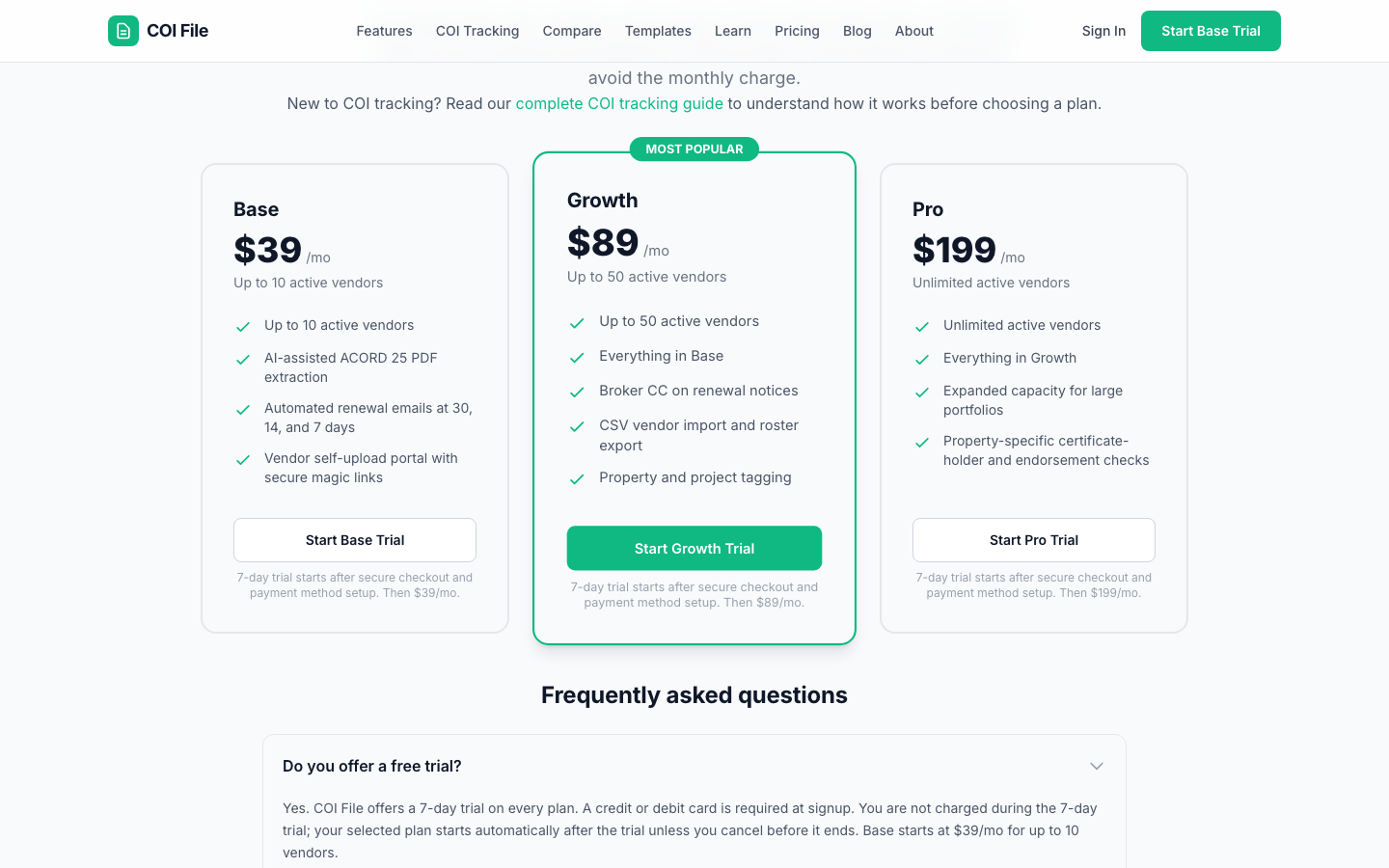
- Base: $39/month for 10 active vendors; extraction, renewal emails, and self-upload links.
- Growth: $89/month for 50; broker CC, CSV import/export, and property or project tagging.
- Pro: $199/month for unlimited active vendors; property-specific certificate-holder and endorsement checks.
The seven-day trial starts after card setup; billing follows automatically unless cancelled.
Which COI Tracking Tool Would I Choose?
- Mixed expiry records with internal coverage review: ExpiryScan, budgeting from the vendor-tracking plan.
- Per-vendor budgeting: bcs, with service minimums and integration terms confirmed.
- Free tracking for up to 50 vendors: TrustLayer Starter.
- Tenant COIs across Yardi or MRI portfolios: Jones, with record counting and integrations scoped.
- Endorsement-focused AI review: a current illumend demo using difficult documents.
- Policy changes shared by participating agents: Certificial.
- Subcontractor compliance in Procore: Billy, compared with Jones if human review is a priority.
- Small contractors connecting compliance and invoices: SubDoc.
- Clear monthly vendor tiers: COI File, after checking required connections.
How I Would Track Vendors and Tenants Across a Portfolio
Start with one roster, but keep each property or project requirement visible. A vendor can have current insurance and still fail a particular site's requirements. Capture the vendor or tenant, property, policy dates, review owner, required evidence, and outstanding gaps.
Then filter by property and exception: missing, expiring, deficient, or awaiting review. I would evaluate Jones or bcs if the portfolio runs in Yardi or MRI. A smaller register with internal insurance review may only need expiry tracking.
How to Trial COI Tracking Software
Use 20 to 50 real vendors or tenants, with permission to share their documents. Include current, expired, missing, and deficient certificates, plus a vendor working across two properties.
- Configure actual requirements before uploading.
- Send requests to a vendor and broker; check the upload path.
- Compare extracted fields with the originals, including separate policy dates.
- Follow a missing endorsement through review, notification, replacement, and approval.
- Check exception ownership and recorded overrides.
- Test integrations and export the records, files, and history you would need when leaving.
- Price the expected vendor count, annual commitment, onboarding, connections, and service level.
The deciding test is whether someone can explain why a record is deficient and show what happened next.
Frequently Asked Questions
What Is the Best COI Tracking Software?
For COIs alongside other expiry records, I would consider ExpiryScan. For dedicated insurance work: bcs for public unit pricing, TrustLayer for a free starting point, Jones for property portfolios, and Billy for Procore construction teams. The best fit depends on who reviews insurance and follows up exceptions.
Is There Free COI Tracking Software?
Yes. bcs offers 25 vendors free, TrustLayer Starter 50, SubDoc three, and Certificial Basic five suppliers. Their review and automation capabilities differ; compare plan detail as well as vendor allowances.
How Much Does COI Tracking Software Cost?
Prices include bcs at $0.95/vendor/month, SubDoc Pro at a standard $20/month, COI File from $39/month, and Certificial Professional from $99/month. ExpiryScan vendor tracking starts on Professional at $49/month. Enterprise platforms and managed services may need a quote or annual minimum; see the plan lists for billing terms.
Does COI Tracking Software Verify Insurance Coverage?
Some platforms check requirements, use human reviewers, or monitor policy data. Extraction and reminders alone do not establish that coverage meets a contract. ExpiryScan tracks dates, owners, reminders, and evidence; it does not verify coverage or interpret endorsements.
What Is an ACORD 25?
ACORD 25 is a certificate of liability insurance commonly used in the United States. It summarises insurance information and may contain policies with different expiry dates. It is not the policy itself; required endorsements and supporting documents belong in the insurance review.
Track COI Expiries in ExpiryScan
If your team handles coverage review and needs dependable ownership of renewals, keep COIs with your other expiry records in ExpiryScan. Attach the file, record policy dates, assign the renewal, and retain replacement evidence.
Read the COI tracking workflow, check plans and capacity, or start a 14-day trial.
Related Articles
- COI tracking software: dates, owners, and renewal evidence
- Expiration Reminder alternatives I've used
- Document expiry reminder software for teams
- DOT compliance software for driver qualification files
Review method
How this comparison was reviewed
To help property, construction, procurement, and risk teams choose a COI tracking system by vendor count, review responsibility, budget, and existing systems.
Reviewed by: Hands-on product review
How this guide was made: I've used all nine tools in this guide and compare them by insurance review, vendor submissions, renewal follow-up, integrations, and cost. ExpiryScan publishes this guide and sells one of the products listed.
Last reviewed: